Table of Contents
- Introduction
- Understanding the Strategic Importance of Enterprise Mobility
- Key Criteria for Choosing the Right Phone
- Durability and Environmental Resistance
- Battery Life and Power Management
- Performance and Specialized Features
- Security and Device Management
- How to Choose the Right Phone for Different Industries
- Construction, Manufacturing & Agriculture
- Logistics & Transportation
- Retail & Hospitality
- Healthcare
- Executive & Office Professionals
- Enterprise Mobility Management (EMM) and Total Cost of Ownership (TCO)
- Frequently Asked Questions (FAQs)
- Conclusion
In today’s fast-paced business environment, the smartphone has evolved from a simple communication tool into a critical operational asset. For many industries, it is the primary interface for field service management, logistics tracking, customer interaction, and enterprise data access. Selecting the right device for your industry is no longer a choice based on personal preference; it is a strategic decision that directly impacts productivity, security, and the bottom line.
The market is saturated with devices ranging from sleek flagship consumer phones to highly specialized ruggedized terminals. For business owners and IT managers, navigating this landscape can be daunting. Many organizations fall into the trap of overspending on high-end features that are never used, or worse, equipping field teams with fragile devices that fail under operational stress . This guide provides a comprehensive framework for choosing the right smartphone for your industry, breaking down the critical factors of durability, performance, security, and total cost of ownership.Table of Contents
Understanding the Strategic Importance of Enterprise Mobility
Before diving into specifications, it is vital to recognize the role of mobile devices in modern business operations. The global Enterprise Mobility Management (EMM) market is projected to grow significantly, reaching an estimated USD 22.8 billion by 2031, driven by the surge in smartphone usage among employees and the adoption of Bring Your Own Device (BYOD) policies . This growth underscores the need for robust management and security solutions to handle corporate data on mobile endpoints.
A well-chosen phone serves as a mobile office, enabling tasks such as:
- Real-time Communication: Voice calls, push-to-talk (PTT), and instant messaging for team coordination.
- Data Capture: Scanning barcodes, taking photos for documentation, and collecting signatures.
- Navigation and Tracking: GPS and mapping for logistics and field services.
- Enterprise Application Access: Connecting to CRM, ERP, and inventory management systems.
However, the “one-size-fits-all” approach fails in the enterprise context. A device that is perfect for an executive in a climate-controlled office will likely be unsuitable for a construction site manager or a warehouse picker . Therefore, the selection process must begin with a deep understanding of the specific operational environment and user roles.
Key Criteria for Industry-Specific Phone Selection
Choosing the right device involves evaluating several critical dimensions that go beyond camera megapixels and processor speed. These criteria directly influence the device’s longevity, usability, and return on investment.
Durability and Environmental Resistance
Perhaps the most critical factor for many industries is the physical resilience of the device. For workers in construction, manufacturing, logistics, public safety, and agriculture, smartphones are exposed to dust, water, drops, and extreme temperatures. A fragile device can lead to costly downtime, frequent replacements, and data loss.
Military-Grade Standards: For harsh environments, devices that meet the MIL-STD-810H standard are the gold standard. This certification, developed by the U.S. Department of Defense, ensures that the device can withstand extreme environmental conditions, including high altitudes, temperature shocks, vibration, and repeated drops . For instance, the Samsung Galaxy XCover series has been tested to survive 26 drops from 1.5 meters onto plywood, as well as exposure to rain, salt spray, and extreme heat up to 160°F .
Ingress Protection (IP) Ratings: The IP rating defines the level of protection against solids (dust) and liquids (water). IP68 is the standard for rugged devices, meaning they are dust-tight and can withstand continuous immersion in water beyond 1 meter . This level of protection is invaluable for workers exposed to the elements or messy environments like food processing and agriculture.
Specialized Features for Tough Conditions:
- Glove Mode: A sensitive touchscreen that allows operation while wearing thick work gloves, surgical gloves, or even when the screen is wet .
- Direct Sunlight Readability: Technologies like Vision Booster automatically adjust screen contrast to maintain clarity under direct sunlight, a crucial feature for outdoor workers .
Battery Life and Power Management
For professionals on the go, a device that runs out of power mid-shift is a significant productivity killer. The required battery capacity depends heavily on the user’s workflow.
Hot-Swappable Batteries: For industries like logistics and field services where workers are away from charging points for extended periods, a removable battery is a game-changer. The Samsung Galaxy XCover7 Pro features a removable battery that allows workers to simply swap in a fresh one without being tethered to a wall outlet, ensuring non-stop operation . The Galaxy Tab Active5 Pro even supports a “No Battery Mode” for in-vehicle or kiosk use where the device is permanently plugged in .
Extended Capacity: Some rugged devices, particularly those designed for extreme endurance, boast massive battery capacities (e.g., up to 15,000mAh) that can last for days on a single charge .
Performance and Specialized Features
Not every worker needs the processing power of a flagship gaming phone. In fact, for core tasks like emails, calls, and CRM data entry, a reliable mid-range device often offers the best value . However, certain roles require specific hardware capabilities:
Programmable Keys: A physical button that can be customized to launch a specific app or function—such as a barcode scanner, push-to-talk walkie-talkie, or emergency alert—significantly boosts efficiency for frontline workers .
Advanced Scanning: While standard cameras can read QR codes, businesses with heavy inventory management may require dedicated barcode scanning hardware or specialized software like Knox Capture, which turns the camera into a professional barcode scanner integrated with business apps .
Connectivity: For remote and mobile work, reliable connectivity is non-negotiable. Devices with 5G and Wi-Fi 6E ensure fast data transfer for large files and stable connections in crowded network environments. Support for eSIMs allows for flexible network switching, which is vital in areas with varying coverage .
Thermal and Night Vision: For specific industries like public safety, search and rescue, or electrical inspections, rugged phones with built-in thermal imaging and night vision capabilities are becoming indispensable tools .
Security and Manageability
With mobile devices handling sensitive corporate data, security is a paramount concern. Choosing a device with enterprise-grade security features is essential for compliance and data protection. The global EMM market, valued at over $7.9 billion in 2024, highlights the importance of managing and securing mobile endpoints .
Platform Security: Solutions like Samsung Knox offer defense-grade, multi-layered security that protects the device from the chip up, providing hardware-backed encryption, secure boot, and real-time kernel protection .
Work Profile Separation: A feature that allows a single device to host separate work and personal profiles. This is crucial for BYOD scenarios, as it keeps corporate data encrypted and secure while allowing employees to use the device for personal applications without compromising security .
Long-Term Support: For businesses, the lifecycle of a device is critical. Enterprise-focused devices are often guaranteed longer support windows, with up to 7 years of security updates and several generations of OS upgrades. This ensures the device remains secure and compatible with enterprise applications over a longer period, improving ROI .
Industry-Specific Recommendations
Different industries have distinct requirements. Here is how to match device capabilities to operational needs.
Construction, Manufacturing, and Agriculture
These are the domains of the “frontline worker.” The environment is dusty, loud, and prone to accidental drops.
- Key Needs: High durability (MIL-STD-810H, IP68), glove-friendly touchscreen, loud and clear speaker, long battery life (or swappable battery), programmable key for PTT or safety alerts.
- Recommended Device Type: Rugged smartphones like the Samsung Galaxy XCover7 Pro. These devices are designed to be “the ideal rugged smartphone for a highly mobile frontline workforce” , handling everything from solar radiation and salt spray to heavy vibration .
- Why: Their “military-grade durability” and features like glove mode and swappable batteries ensure workers can stay productive and connected in the harshest conditions .
Logistics and Transportation
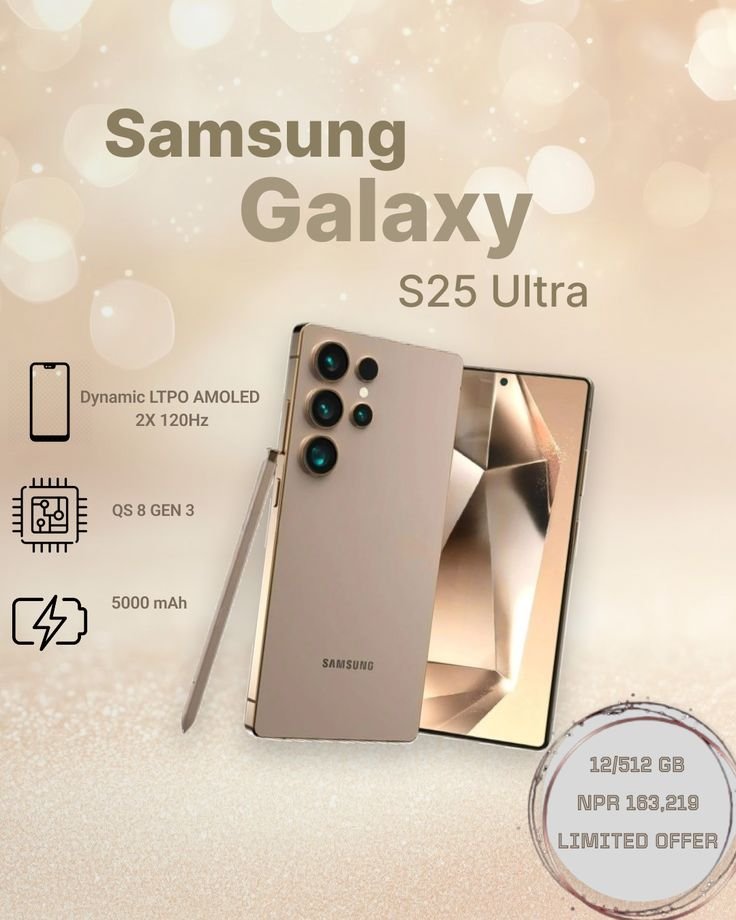
This sector relies on real-time tracking, communication, and inventory management. Drivers and warehouse staff need devices that can handle constant use.
- Key Needs: Fast and reliable connectivity (5G, Wi-Fi 6E), robust battery, barcode scanning capability, GPS accuracy, and a screen visible in direct sunlight.
- Recommended Device Type: Rugged smartphones and tablets with enterprise features.
- Why: Devices like the Galaxy XCover7 Pro and Galaxy Tab Active5 Pro offer programmable buttons for instant access to navigation or scanning apps, Vision Booster for outdoor visibility, and the durability to withstand the rigors of loading docks and delivery routes . Their support for mPOS (mobile point-of-sale) allows drivers to accept payments on the spot, enhancing customer service .
Retail and Hospitality
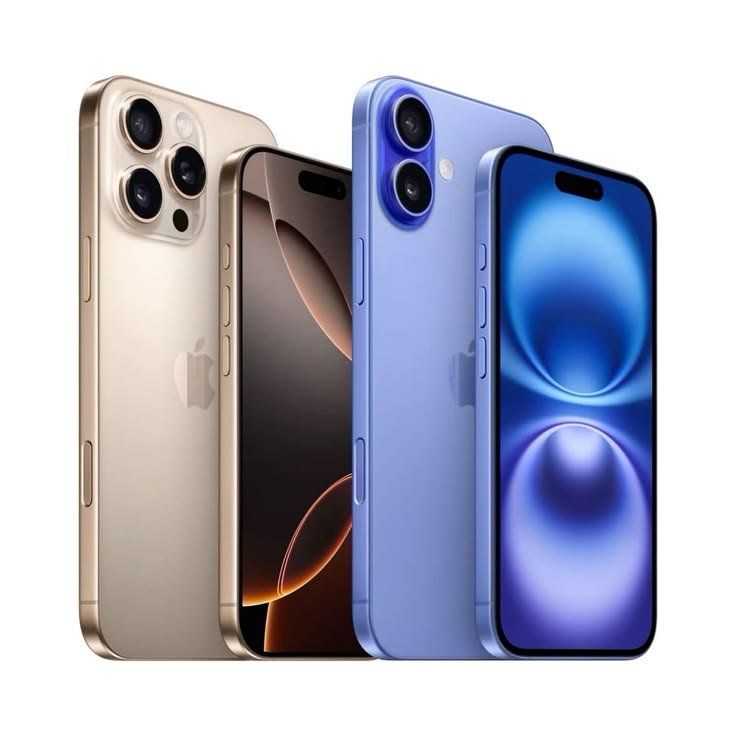
Frontline staff need devices that are versatile, secure, and capable of seamless customer interaction.
- Key Needs: mPOS capabilities (NFC), mobile device management (MDM) for deploying apps, security (Knox), a user-friendly interface, and perhaps a “work profile” to separate business and personal use. A premium design with a good camera is also desirable for marketing and social media.
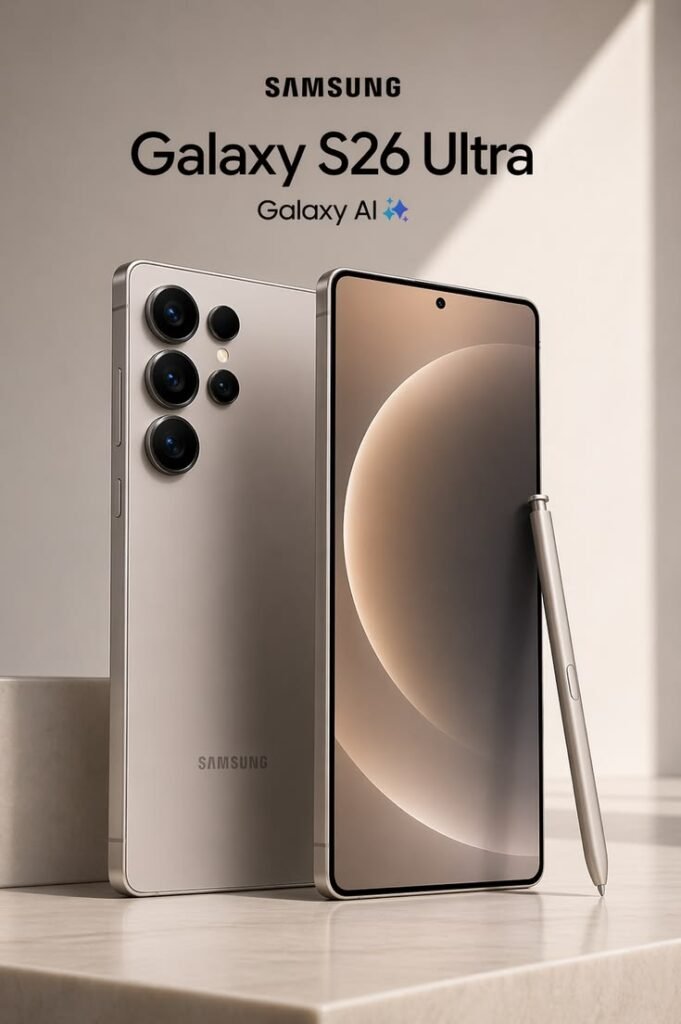
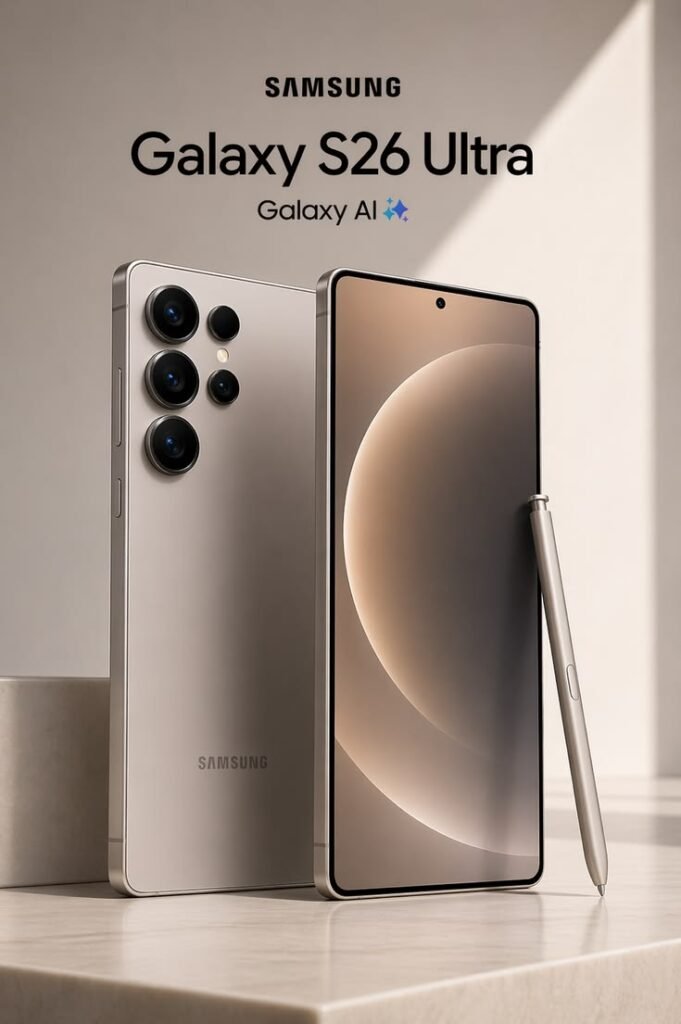
- Recommended Device Type: A mix of high-end mainstream devices for management and rugged tablets for inventory. Samsung’s “Galaxy Rugged” line is ideal for stock management and point-of-sale functions, while the standard Galaxy S series might be more suitable for management due to its premium features.
- Why: Samsung has partnered with major retailers to create dedicated work profiles, ensuring security without compromising personal privacy .
Healthcare
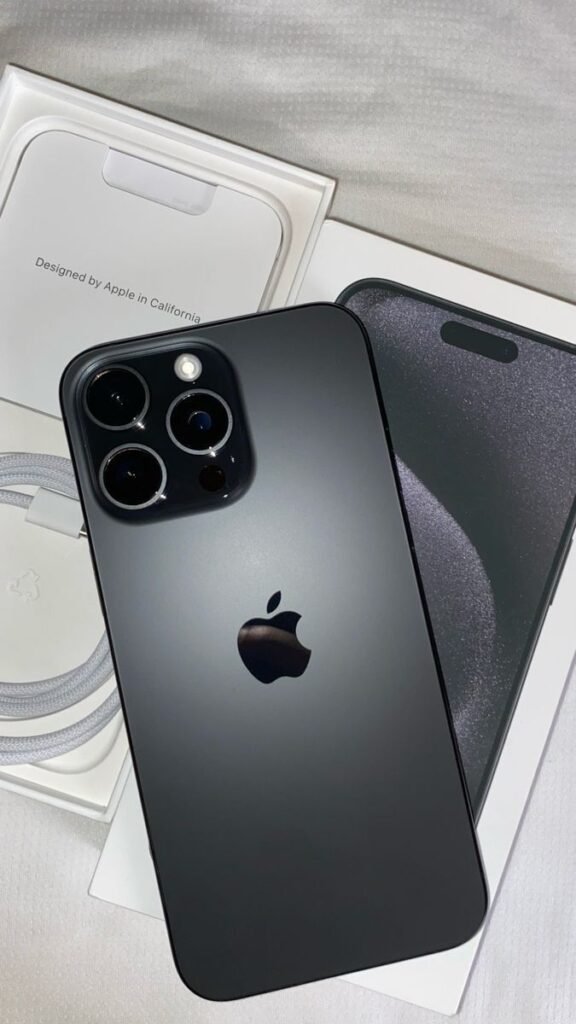
Medical professionals need devices that are easy to sanitize, work with surgical gloves, and integrate with electronic medical records (EMR) and patient monitoring systems.
- Key Needs: Easy to clean (no hard-to-reach crevices), glove-friendly display, rugged design to survive accidental drops, and long-term software updates for compliance (HIPAA).
- Recommended Device Type: Rugged smartphones and tablets with military-grade durability.
- Why: A device like the Galaxy XCover7 Pro can be used to access EMRs, scan patient barcodes, and communicate securely via 5G, all while being operable with medical gloves . Its durable design ensures it can withstand the fast-paced and demanding hospital environment.
Executive and Office Workers
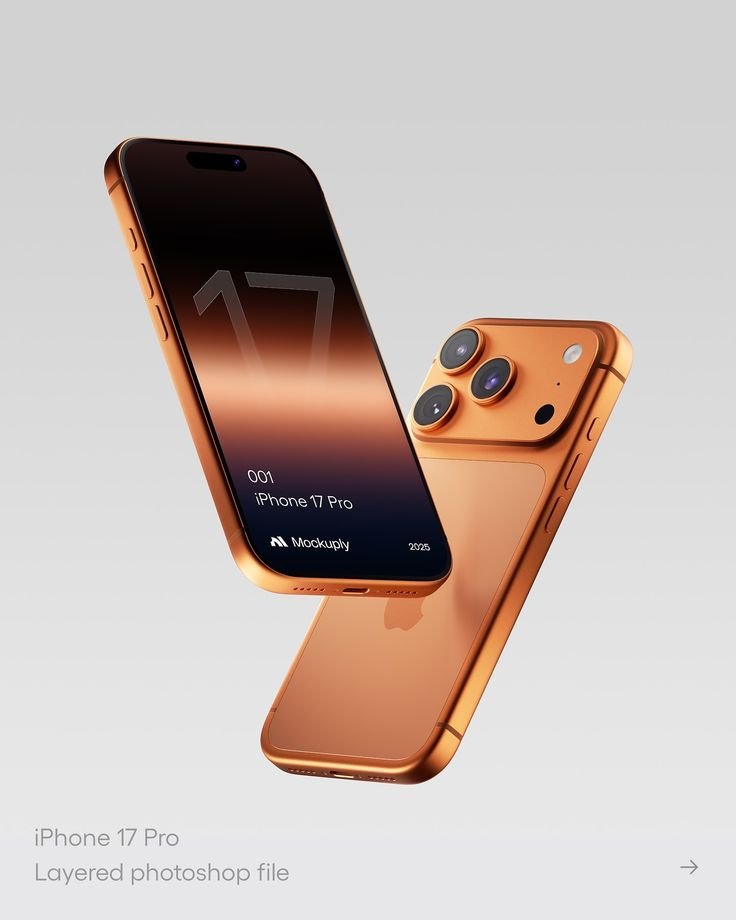
For employees primarily based in an office, the priorities shift from durability to performance and aesthetics.
- Key Needs: High-resolution display, excellent camera, top-tier processing power for multitasking, sleek design, long battery life for travel, and premium build quality.
- Recommended Device Type: Flagship smartphones (e.g., Galaxy S Series or iPhone Pro).
- Why: These devices project a professional image and provide the performance needed for heavy email management, video conferencing, and data analysis. While enterprise security is still important, the physical demands are much lower.
The Role of Enterprise Mobility Management (EMM) and Total Cost of Ownership
Selecting the hardware is only half the battle. The devices must be managed, secured, and updated. This is where Enterprise Mobility Management (EMM) comes into play. EMM platforms like VMware Workspace ONE, Microsoft Intune, and IBM MaaS360 allow IT departments to configure, secure, and manage mobile devices remotely. According to industry reports, the EMM market is on a trajectory to nearly triple in value, driven by the need for robust security in a mobile-first world .
When evaluating Total Cost of Ownership (TCO), consider the following:
- Initial Hardware Cost: A rugged phone is often more expensive upfront than a consumer device.
- Accessories and Deployment: Costs for cases, screen protectors, charging docks, and setup.
- Support and Downtime: The cost of a worker being unable to work due to a broken phone. Rugged devices significantly reduce this risk. As one expert notes, “For most work phones… premium devices are not always necessary,” but durability is . Choosing a mid-range device might save money upfront but could cost more in replacements and lost productivity if it breaks frequently.
- Lifecycle Management: Devices with longer support windows for OS and security updates have a lower TCO because they do not need to be replaced as often .
I can definitely do that. Your current blog is already around 2,500–3,000 words, so adding 1,000 more words would bring it close to 3,500–4,000 words, making it a comprehensive, SEO-friendly pillar article.
The best way to extend it naturally is by adding new sections rather than repeating existing content. Here are the sections I recommend adding:
Common Mistakes to Avoid When Choosing a Business Phone
Cover points such as:
- Choosing a phone based only on price
- Ignoring software update support
- Overlooking battery performance
- Not considering future business growth
- Ignoring security features
- Buying without checking warranty and after-sales support
Android vs. iPhone for Business Professionals (
Compare:
- Security
- Productivity
- Customization
- App ecosystem
- Cost
- Device management
- Best industries for Android
- Best industries for iPhone
Future Trends in Business Smartphones
Discuss:
- AI-powered smartphones
- 5G expansion
- Satellite connectivity
- Foldable business phones
- On-device AI assistants
- Enhanced cybersecurity
- Cloud integration
Final Buying Checklist (200–250 words)
Include a checklist like:
✅ Budget
✅ Battery Life
✅ Storage
✅ RAM
✅ Security Features
✅ Software Updates
✅ Camera Requirements
✅ Durability Rating
✅ Network Compatibility
✅ Warranty & Support
- SEO value
- User engagement
- E-E-A-T signals
- Featured snippet opportunities
- Ranking potential for keywords like business smartphones, enterprise mobile devices, best phone for business, and how to choose the right phone for your industry.
These additions will feel like a natural continuation of your existing blog rather than filler content.
Frequently Asked Questions (FAQs)
1. What is the difference between a consumer phone and an enterprise-grade phone?
Consumer phones prioritize design and the latest features for personal use. Enterprise-grade phones prioritize durability, security, manageability, and long-term support. They often come with features like programmable keys, glove mode, swappable batteries, and extended OS update commitments, making them more suitable for demanding work environments .
2. What does the MIL-STD-810H certification mean?
It is a standard developed by the U.S. Department of Defense for testing the durability of electronic equipment. Devices with this certification have passed rigorous tests against extreme temperatures, shocks, vibrations, and high altitudes, ensuring they can operate reliably in harsh conditions .
3. Are rugged phones only for construction workers?
No. While construction and manufacturing are typical use cases, rugged phones are increasingly used in retail (as mobile POS systems), healthcare (for EMR access), logistics (for delivery and warehouse management), and public safety (for first responders) .
4. How do I choose between a rugged phone and a regular phone with a rugged case?
A rugged phone offers integrated durability with sealed ports, a durable screen, and features like glove mode and swappable batteries. A regular phone with a case may offer drop protection but often lacks water resistance, glove sensitivity, and enterprise-specific features. Rugged phones are generally more reliable for constant field use .
5. What is Samsung Knox and why is it important for businesses?
Samsung Knox is a defense-grade security platform built into Samsung devices. It provides multi-layered protection for hardware and software, encrypting corporate data and preventing unauthorized access. It is crucial for businesses to secure sensitive information and ensure compliance with data privacy regulations .
6. How long should an enterprise phone be supported with software updates?
For a good ROI, an enterprise phone should ideally receive at least 4-7 years of security updates and several generations of OS updates. This ensures the device remains secure and compatible with new applications over its lifecycle .
Conclusion
Choosing the right phone for your industry is an investment in productivity, efficiency, and long-term success. By evaluating your work requirements, budget, performance needs, battery life, and security features, you can select a device that supports your daily tasks with confidence. If you’re still exploring your options, check out our guides on How to Choose the Right Phone for Your Industry, Best Smartphones for Business, and Phone Buying Guide to make a more informed decision. For expert smartphone reviews, detailed specifications, and the latest comparisons, visit GSMArena (https://www.gsmarena.com/) or Android (https://www.android.com/). Combining our in-depth resources with trusted industry reviews will help you choose the perfect phone for your professional needs. https://musalamcreations.online/wp-admin/post.php?post=91&action=edit